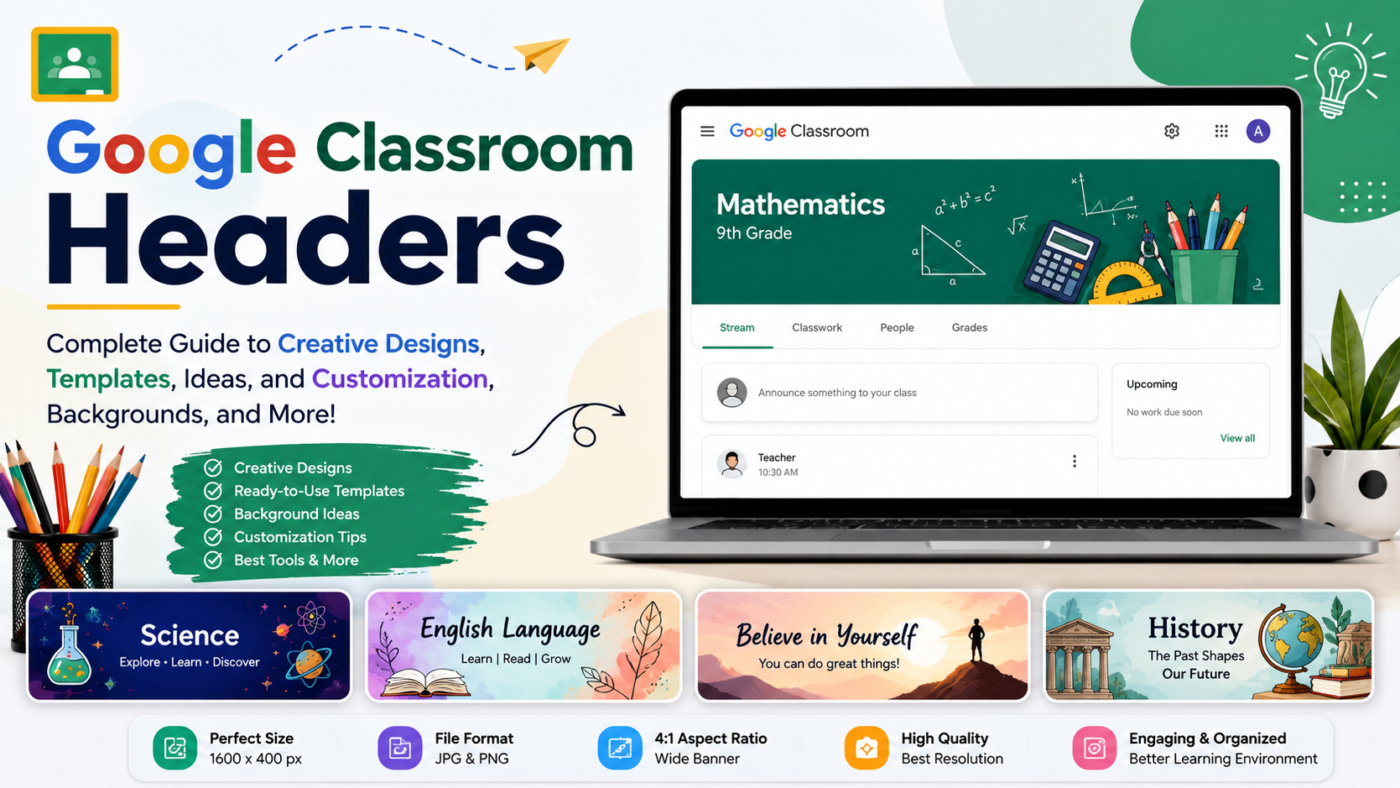
Google Classroom headers are banner images that act as the visual identity of a virtual class in modern digital education. Moreover, they help set the learning tone while making it easier for students to recognize and organize their subjects.
These headers improve classroom appearance, structure, engagement, and the overall online learning experience. Overall, teachers use Google Classroom headers to personalize classes with subject-related visuals, colors, and creative backgrounds that reflect the learning content.
They include quotes, branding, and seasonal or educational designs to keep the classroom engaging and attractive. Overall, they improve organization, identity, and interactivity in digital learning. We cover this in more depth in Complete Guide to 9 Smart Organization Ideas.
| Season / Theme | Purpose / Effect |
| Spring Themes | Represents growth, freshness, and new beginnings |
| Summer Themes | Creates energetic and lively classroom mood |
| Autumn (Fall) Themes | Adds cozy, warm, and seasonal learning feel |
| Winter Themes | Creates calm, festive, and peaceful atmosphere |
| Back-to-School | Builds excitement for a new academic start |
| Exam Season | Encourages focus, concentration, and stress-free learning |
What Are Google Classroom Headers?
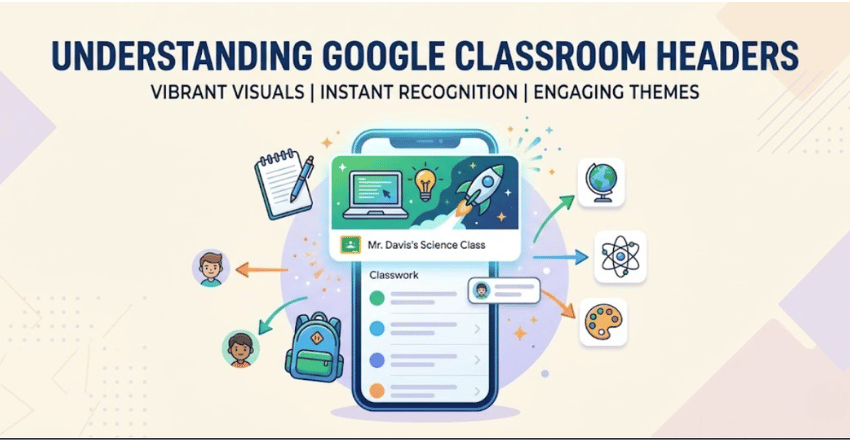
Google Classroom headers are banner images at the top of a class page that represent its visual identity and set the tone for learning. Additionally, they are the first thing students see, helping with quick recognition and better classroom organization.
Teachers use class banners to personalize classes with subject-related visuals, colors, and themes that reflect what students are learning. Moreover, they also help students quickly identify and organize different subjects across multiple courses.
They may include quotes, branding, or seasonal themes to keep the classroom engaging and updated. Overall, they improve organization, visual appeal, and classroom identity in digital learning.
Importance of Google Classroom Headers in Digital Learning
It is important in digital learning because they enhance organization, improve student engagement, and create a clear visual identity for each class.
Visual Identity for Each Class
- When students are enrolled in multiple classes, headers help them quickly identify each subject.
Improved Student Engagement
- Colorful and visually appealing headers make the learning environment more welcoming, encouraging students to interact more actively with the class.
Professional Classroom Appearance
- Well-designed Google Classroom headers make teachers appear more organized and professional, which builds trust with students and parents.
Better Organization
- Headers act as visual cues that separate different subjects or modules, reducing confusion.
Google Classroom Header Dimensions and Technical Requirements
Before designing, it is essential to follow the correct specifications.
Recommended Size
- 1600 × 400 pixels
Aspect Ratio
- 4:1 (wide banner format)
Supported File Formats
- JPG
- PNG
Best Practices
- Use high-resolution images
- Avoid pixelated backgrounds
- Keep text centered for better visibility on all devices
Google Classroom Header Background Ideas
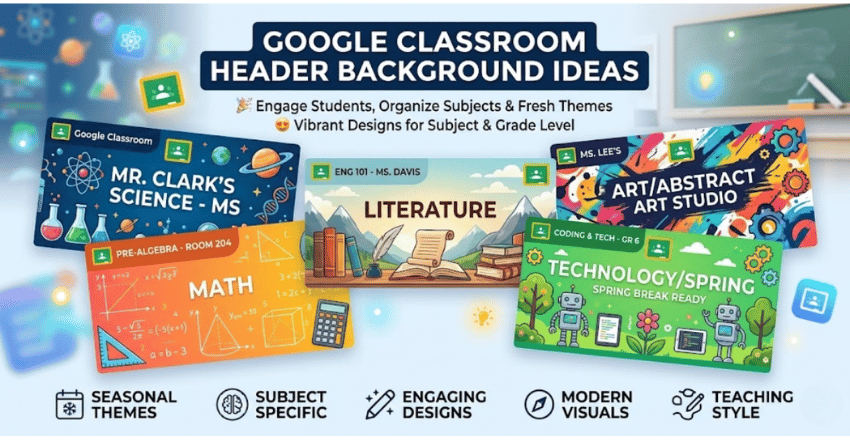
Google Classroom header backgrounds play a key role in creating an attractive and meaningful virtual classroom environment. However, Teachers can choose from a wide range of background styles depending on the subject, grade level, and teaching theme.
Popular background options include gradients, nature themes, abstract patterns, educational visuals, and technology styles. Moreover, they help make the Google Classroom header more appealing while matching different subjects and teaching styles.
Firstly, Teachers often use seasonal backgrounds such as spring, autumn, winter, and summer to keep the classroom visually fresh. Overall, the right background makes the Google Classroom header more engaging, organized, and subject-focused.
Best Tools to Create Google Classroom Headers
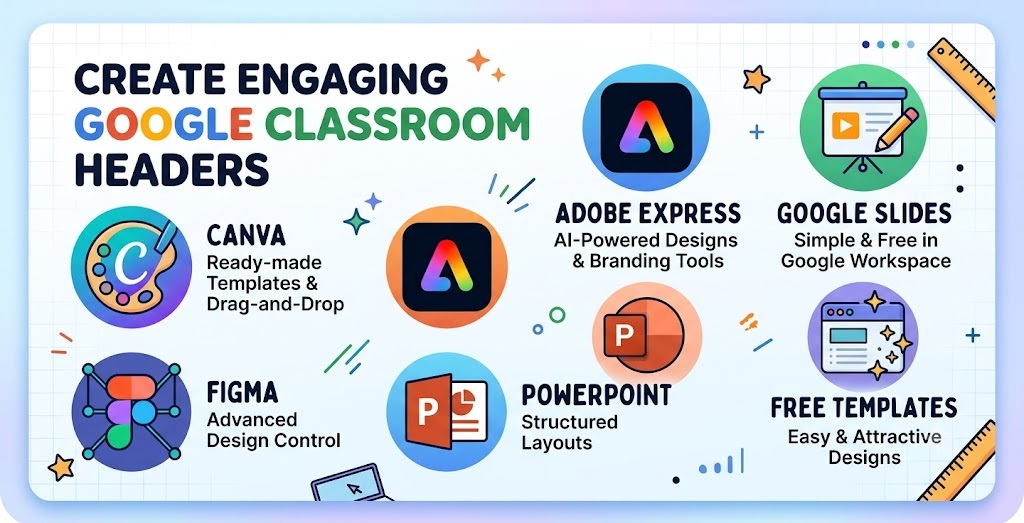
Many simple tools are available for creating Google Classroom headers, even for beginners. Additionally, Canva is a popular choice for its ready-made templates and easy drag-and-drop customization.
Adobe Express offers professional-quality designs with AI-powered features, branding tools, and easy customization for teachers. Moreover, Google Slides is a free and simple option for creating basic banners with custom dimensions within Google Workspace.
Figma offers advanced design control, while PowerPoint helps create simple, structured headers. Moreover, Free template websites also make it easy to design an attractive Google Classroom header that improves engagement.
Types of Google Classroom Headers
Google Classroom headers come in different types to create an organized and engaging virtual classroom. Additionally, subject-based headers use topic-related visuals to help students quickly recognize each class.
Minimalist headers use clean layouts and simple colors for a professional look, while motivational headers feature quotes to inspire students. Moreover, seasonal headers also refresh the classroom with themes like spring, winter, or back-to-school throughout the year.
Benefits of Using Custom Google Classroom Headers
- Improves classroom organization and helps students quickly identify different subjects
- Enhances student engagement through attractive and visually appealing designs
- Creates a professional and well-structured virtual learning environment
- Strengthens classroom identity with personalized themes and branding
- Makes online learning more interactive and motivating for students
- Helps reduce confusion when students are enrolled in multiple classes
- Allows teachers to express creativity through custom designs and visuals
- Keeps the classroom visually fresh with updated seasonal or thematic designs
Common Mistakes to Avoid in Google Classroom Headers
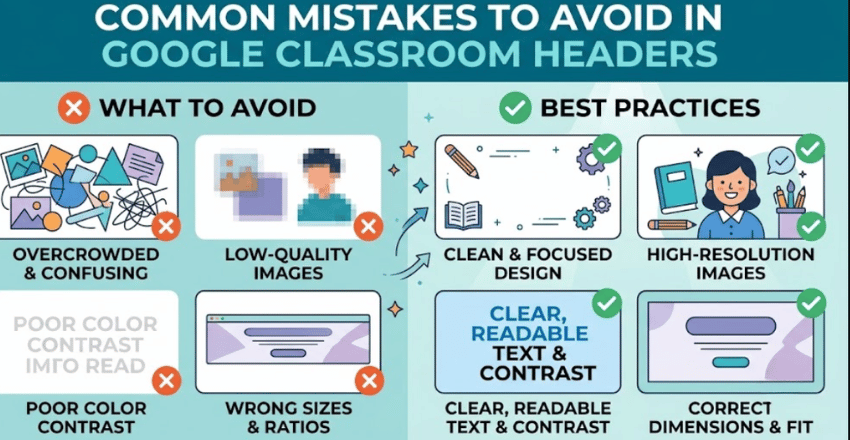
When creating Google Classroom headers, many teachers make simple design mistakes that can reduce their effectiveness. Overall, a common mistake is using overcrowded designs with too many colors and images, which can make the header look confusing and unprofessional.
Low-quality images, wrong sizes, and poor color contrast can make the Google Classroom header look unprofessional and unclear. Moreover, avoiding these mistakes helps keep headers clean, readable, and engaging for students.
Creative Ideas for Google Classroom Headers
Teachers can use creative ideas to design engaging Google Classroom headers that make virtual learning more attractive. Moreover, subject-themed designs like math formulas, science visuals, or literary elements help clearly represent the course content.
Teachers can use quotes, seasonal themes, and creative designs, such as student artwork or minimalist styles, in the Google Classroom header. Moreover, these ideas make the classroom more engaging, organized, and visually appealing for students.
Seasonal Google Classroom Header Ideas
- Spring Themes: Flowers, greenery, butterflies, and fresh pastel colors to represent growth and new beginnings
- Summer Themes: Bright sunshine, beaches, vacations, and warm vibrant colors for an energetic feel
- Autumn (Fall) Themes: Falling leaves, pumpkins, warm tones, and harvest-inspired designs
- Winter Themes: Snowflakes, snowy landscapes, cool blue tones, and holiday-inspired visuals
- Back-to-School Themes: School supplies, notebooks, backpacks, and welcome messages for a fresh start
- Exam Season Themes: Calm, focused designs with motivational quotes and simple backgrounds
Conclusion
Google Classroom headers enhance the visual appeal and functionality of a virtual classroom. Additionally, creative designs, proper backgrounds, and customization help improve organization, classroom identity, and student engagement.
They help students quickly identify subjects, reduce confusion, and create a more structured learning environment. Overall, using themes such as seasonal designs, subject-specific visuals, or branding makes digital learning more interactive, consistent, and enjoyable.
Creating an effective Google Classroom header improves the overall quality of online teaching and learning. Additionally, it enhances organization, engagement, and classroom identity while making digital learning more structured and easy to navigate.
Apart from that, if you want to know more about Repeated Addition Worksheets: Comprehensive Guide, Overview, Examples, Practice Activities, and Free Learning Resources then visit our Education category.
FAQs
They make online learning more interesting and visually appealing, enhance classroom organization, and help students quickly identify subjects.
Subject-based designs, seasonal themes, inspirational sayings, simple layouts, and imaginative educational backgrounds are popular concepts.
Although they have no direct impact on grades, they enhance motivation, organization, and engagement—all of which promote better learning opportunities.
To keep the classroom interesting, many teachers update headers every month, seasonally, or whenever they begin a new unit or topic.
JPG and PNG file types are supported for header pictures in Google Classroom.